Start with a clear project scope
We begin with a project kickoff, process mapping, and stakeholder alignment so the right quality process, owners, and decision points are identified before configuration begins.

Implementation and fit
INQ. is delivered as a structured, collaborative project rather than a single final build. QikSolve helps your team define the scope, review the design, validate the workflow, and move into live use with clear ownership and support at each step.
How adoption works
We begin with a project kickoff, process mapping, and stakeholder alignment so the right quality process, owners, and decision points are identified before configuration begins.
QikSolve and your team review the current process, intended use, approvals, evidence points, permissions, and reporting needs. Workbench turns those decisions into versioned configuration specifications and review checkpoints.
The agreed design is configured in a synchronised environment, tested against the expected workflow, trained for adoption, and released through a controlled go-live and support period rather than a single final build.
Questions buyers ask
We start with a project kickoff and process review so the priority workflow, owners, decision rights, and success criteria are clear before any configuration work begins.
The customer owns the process, intended-use, and approval decisions. QikSolve leads the delivery model, guides the configuration against the agreed design, and keeps review points visible at each gate.
The implementation is reviewed in test, with customer validation, training, and formal release sign-off before the solution goes live in the operational environment.
Yes. A practical starting point is one or two priority processes, proven in use, then extended as the team gains confidence and the operating model matures.
Your SharePoint environment remains the operating foundation. Workbench separates configuration and validation responsibilities from the user experience, while Microsoft 365 tools continue to support document control, approvals, reporting, and team access.
The working experience
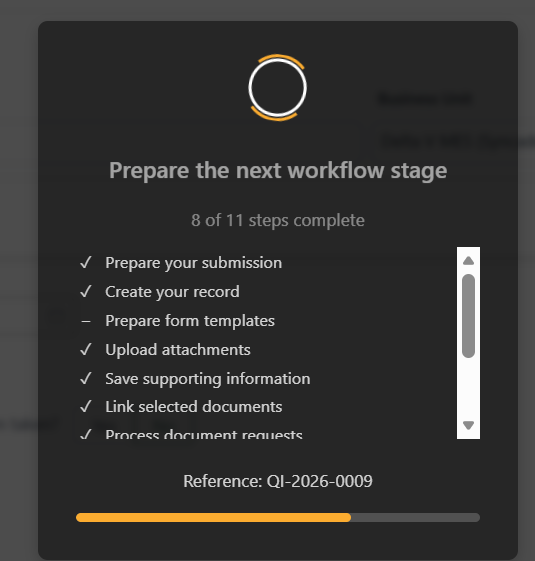
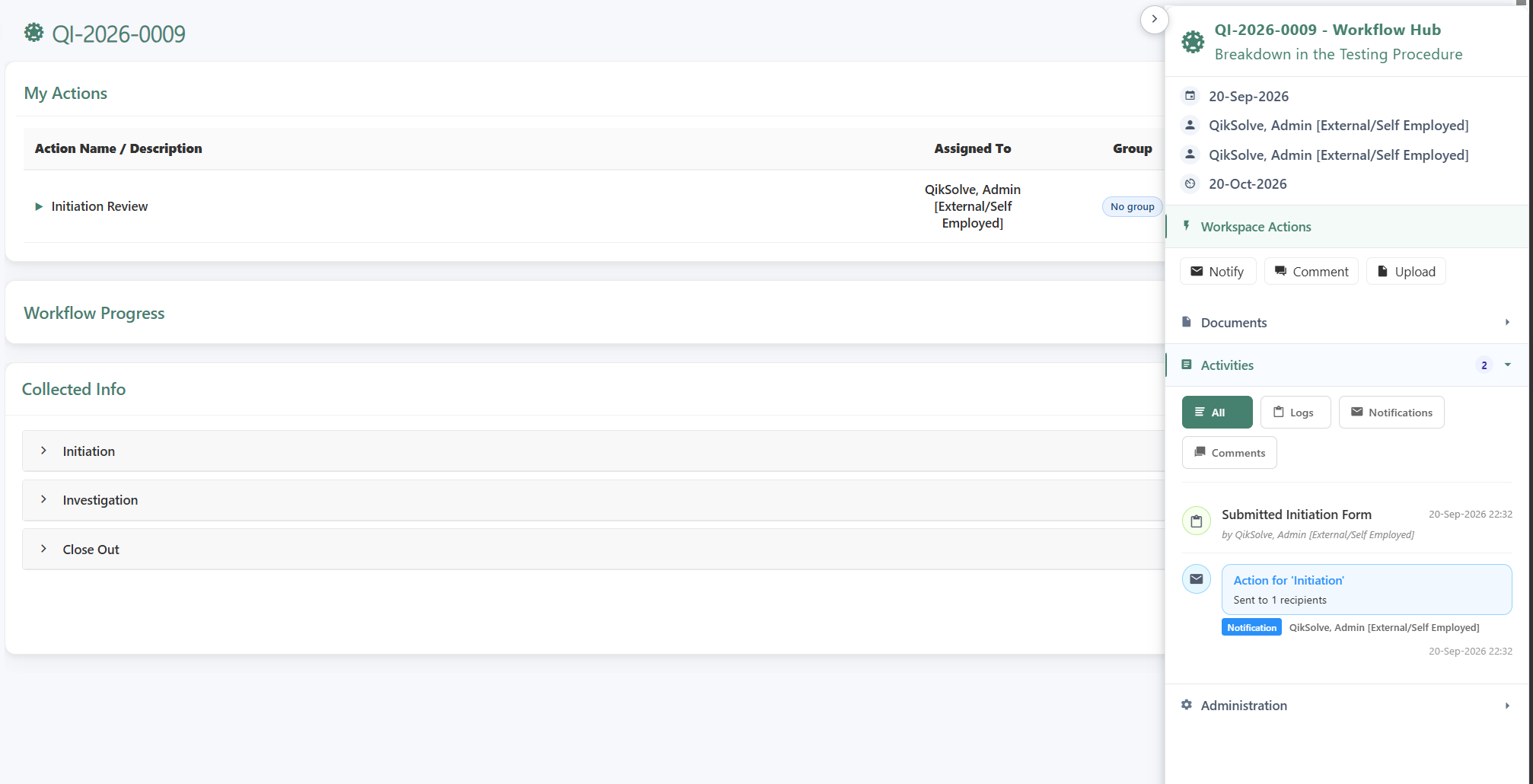
INQ. gives teams a shared view of preparation, assigned work, progress, and supporting information as a process moves through its stages.
Clear responsibilities
Microsoft 365 operating model
Records stay in the customer's SharePoint environment, while QikSolve and the customer work through a repeatable delivery lifecycle: kickoff, process definition, design, configuration, validation, training, go-live, and support. That keeps the operating model clear without losing the practical realities of quality, IT, and business ownership.
Next step
Use a focused project conversation to test product fit, define the first workflow, and confirm the implementation path, decision rights, and evidence your organisation needs before release.