01
Document management
Guide controlled documents through drafting, review, approval, release, revision, and archive states.
Explore INQ.
Start with the quality process creating the greatest control, ownership, or evidence problem. INQ. can then be configured around the first priority and extended as your operating model develops.
How to choose a starting point
EDMS, EDMS + eTMS, and Configured eQMS provide different starting points. Process variations, migration, integrations, and bespoke changes are scoped separately around your intended use.
Guide controlled documents through drafting, review, approval, release, revision, and archive states.
Keep quality records organised, attributable, and available as evidence of completed work.
Capture departures from an expected process, assess what happened, and coordinate the investigation.
Investigate root causes, assign corrective and preventive actions, and retain a record through closure.
Plan, review, approve, and track controlled changes to processes, documents, and operations.
Prepare audit activities, record findings, coordinate responses, and keep follow-up evidence together.
Assign required training, track completion, and retain the evidence needed for each role.
Record qualifications and competency evidence alongside the responsibilities people hold.
Receive, assess, investigate, and resolve quality complaints with a clear accountable record.
Maintain supplier information, evaluations, and quality actions that support supply-chain oversight.
What it looks like in practice
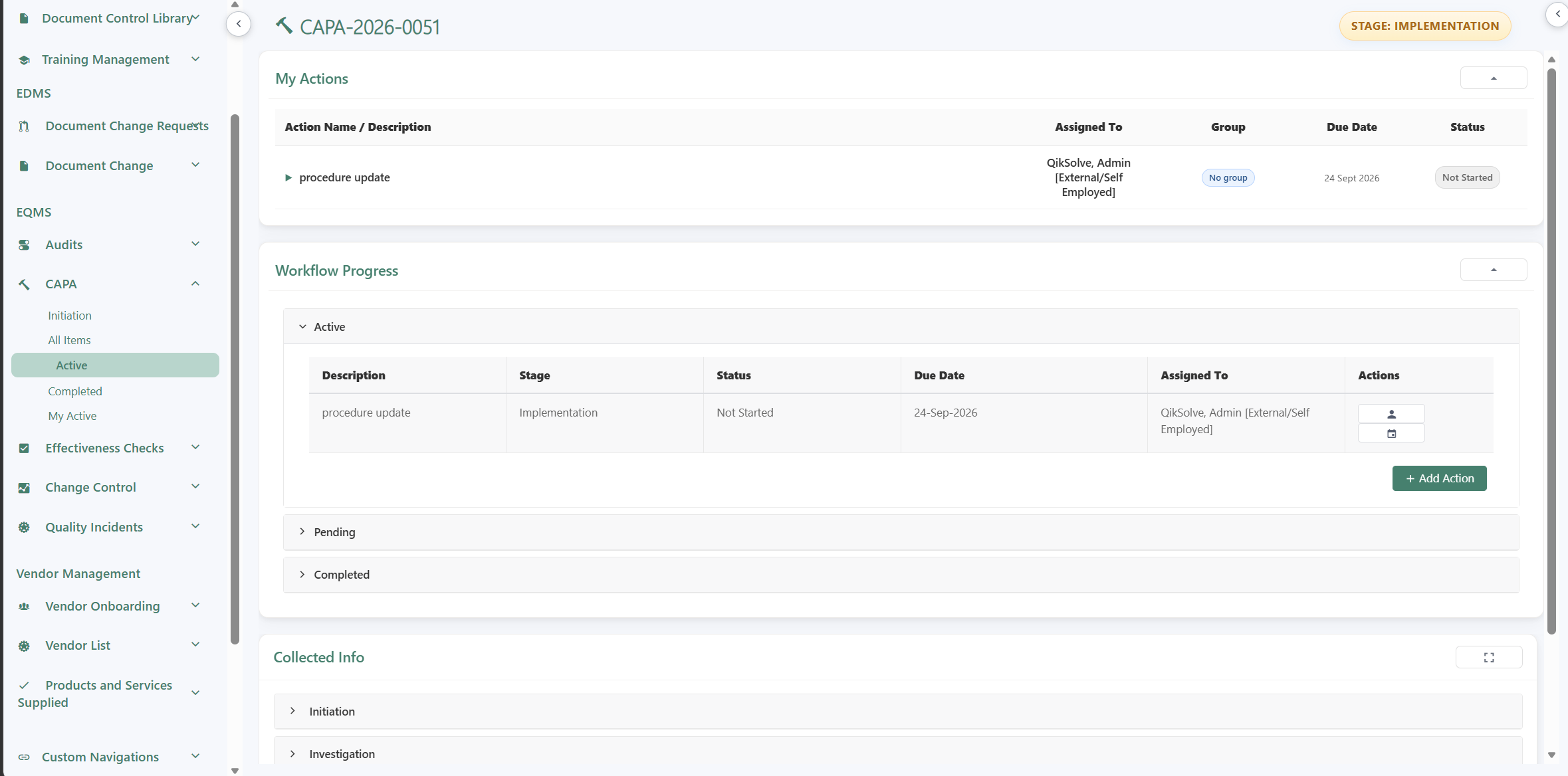
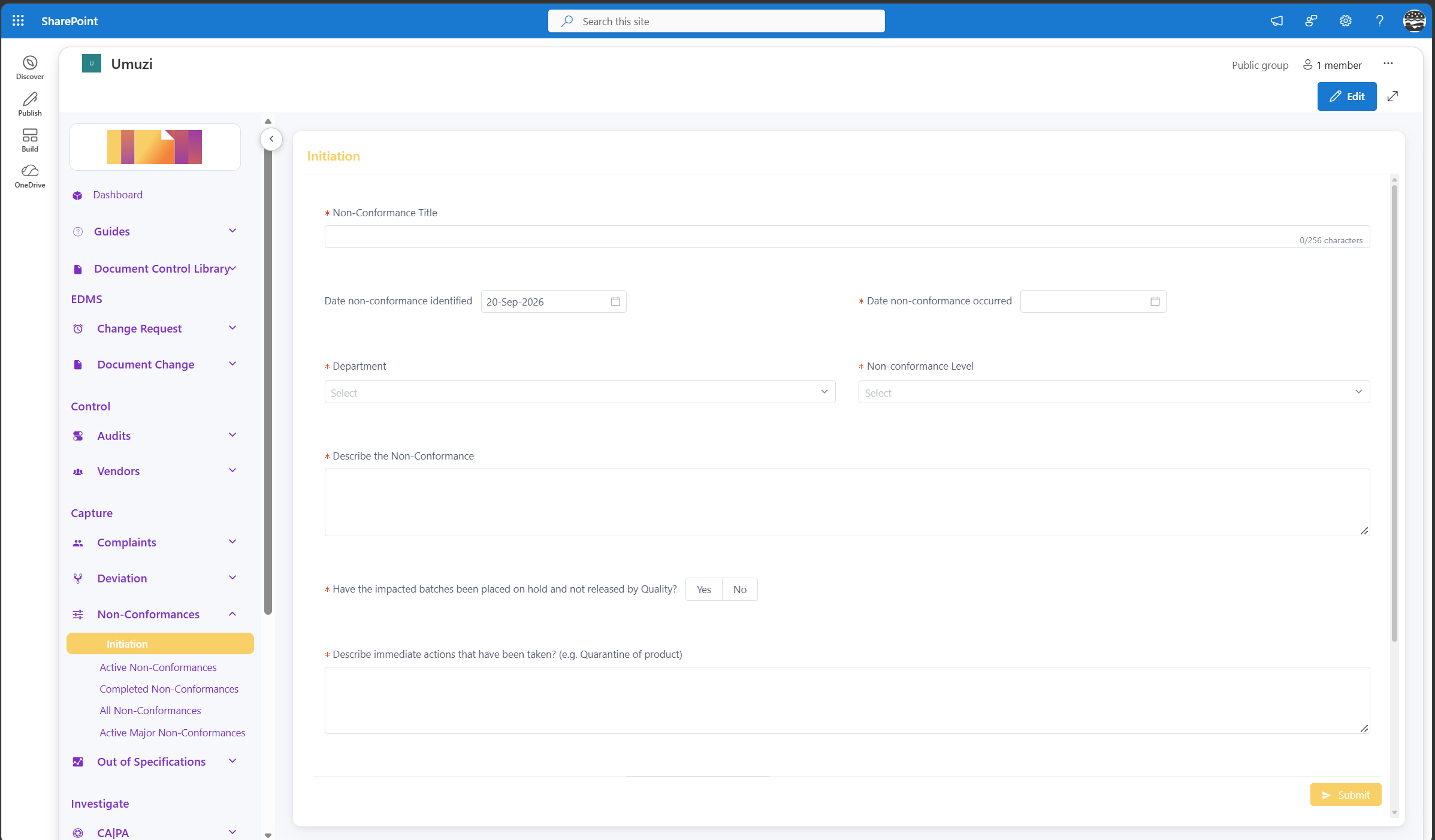
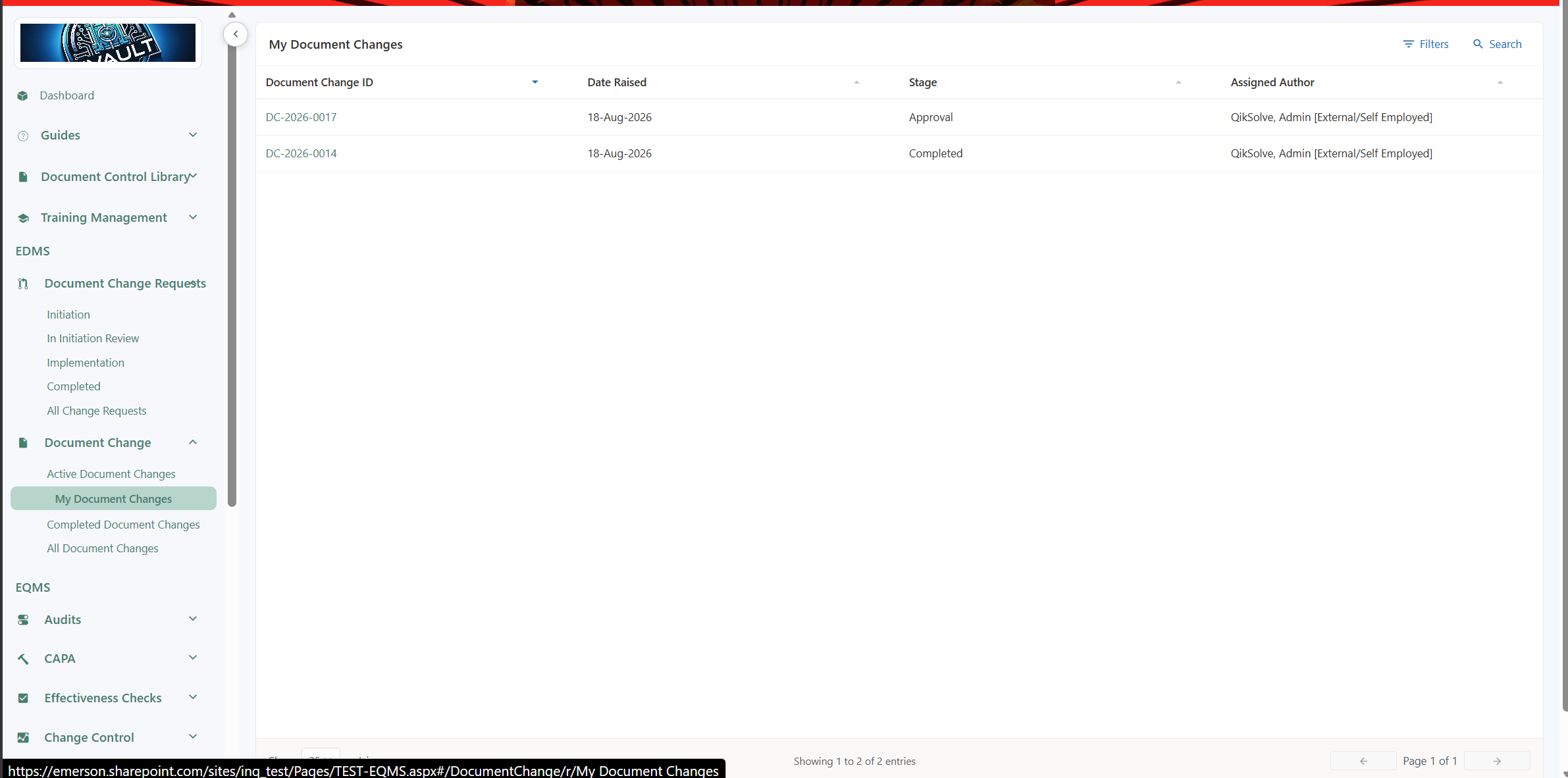
These views show the shape of day-to-day quality work in INQ. without reducing the product to a feature list.
Start a conversation
Start a conversation with QikSolve and we can show you how that process could look in INQ.
Ready for the next step?
Use the conversation to test product fit, scope a sensible starting point and understand what implementation would involve.